The challenge
Building a voice-to-text app sounds simple. Capture audio, send to an API, display text. But making it feel instant while maintaining accuracy across every macOS app? That's where it gets interesting.
The pipeline
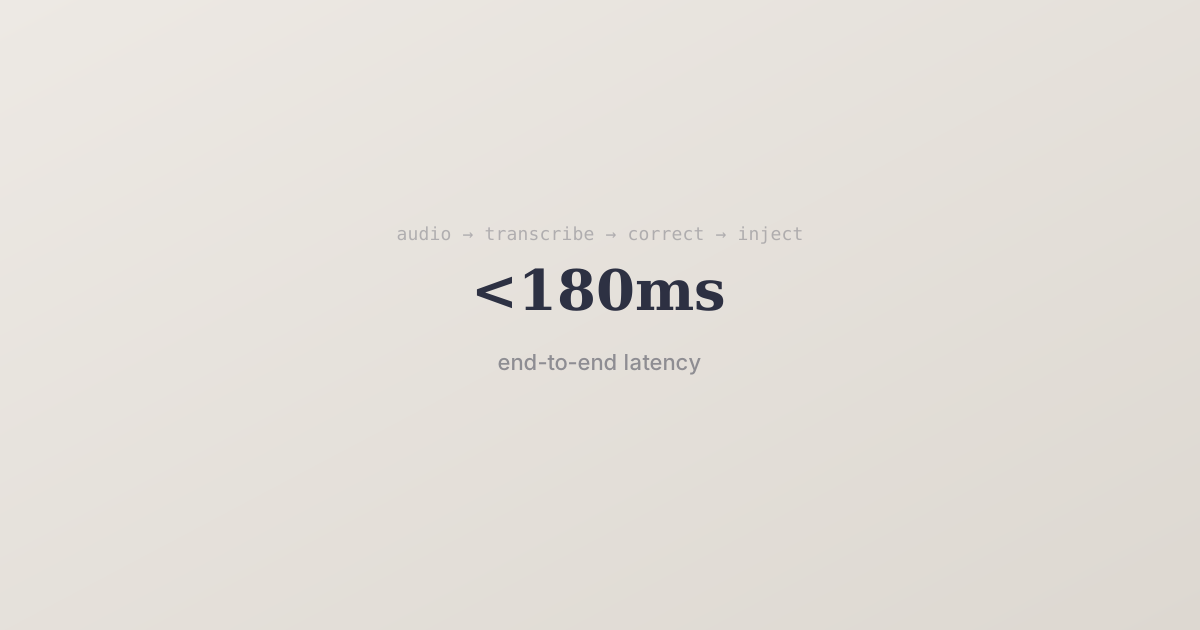
Cue's transcription pipeline has four stages:
1. Audio capture
We use macOS's Core Audio framework to capture microphone input with minimal latency. The audio is chunked into 100ms segments and streamed — we don't wait for you to stop speaking.
2. Streaming transcription
Each chunk is sent to Deepgram's Nova-2 model via WebSocket. We get partial transcripts back in under 100ms. These partials are shown immediately so you see words appear as you speak.
3. Context-aware correction
Raw transcripts aren't perfect. "I'll send the poll request" should be "I'll send the pull request" if you're in a code editor. We run a lightweight LLM pass that considers:
- The active app (VS Code vs Mail vs Slack)
- Recent text in the field
- Your correction history
4. Text injection
The final text is injected at the cursor position using macOS Accessibility APIs. This is what makes Cue work in every app — we're not pasting from clipboard, we're simulating keystrokes.
The result
End-to-end, the pipeline averages 180ms from speech to text appearing on screen. Fast enough that it feels like the text is coming from your thoughts, not your voice.