
ChangelogOct 20, 2026v1.5.26
Cue 1.5.26: A Sidebar That Gets Out of the Way
A sidebar that stays out of the way, walkthroughs that set features up for you, a model picker that fits on one screen, and dictation that pastes sooner.
Cue TeamRead
Release notes, behind-the-scenes, and thoughts on voice-first computing.
A sidebar that stays out of the way, walkthroughs that set features up for you, a model picker that fits on one screen, and dictation that pastes sooner.
When a meeting ends, Cue adds the tags that fit from sixteen ready-made ones. A person now has a page of their own, and quitting in the middle of a call no longer loses it.
Choose Always, Trusted, Ask or Off for the calls Cue notices. Trusted apps and websites record without a card, and a recording ends 30 seconds after the call does.
Calendar reminders can join and record, meeting cards recognize websites, and Claude Code and Codex can search your Cue notes.

The on-device voice model stays loaded, the meeting pill follows your voice, and you can switch between Cloud, On-device and Private from the menu bar.

Learn what stays local, what crosses the network, and how to use selected note context with a cloud AI model without uploading your whole working record.

Use a simple four-part order for voice prompts: goal, context, constraints, and output. Then add exact inputs and review before sending.

A practical five-part check for AI agent actions: action, target, payload, consequence, permission scope, and a clear receipt after execution.

Screen context helps voice tools understand what “this” refers to. Learn why the active app, selection, scope, and review matter.

Learn what file ownership changes for your notes, what Markdown does not guarantee, and how to test whether a note remains useful outside its app.

Keep AI-generated notes connected to recordings, transcripts, meetings, and documents with a simple source, transformation, claim, and review workflow.
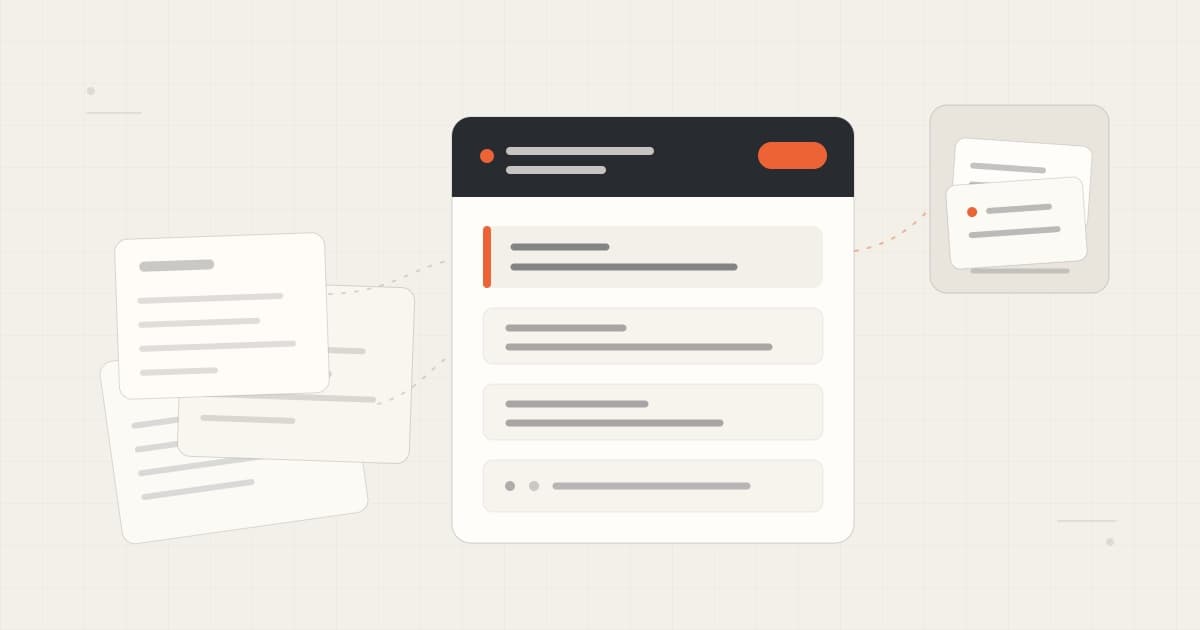
Organize project notes with clear titles, current state, decisions, sources, dates, and links—without building a high-maintenance second brain.
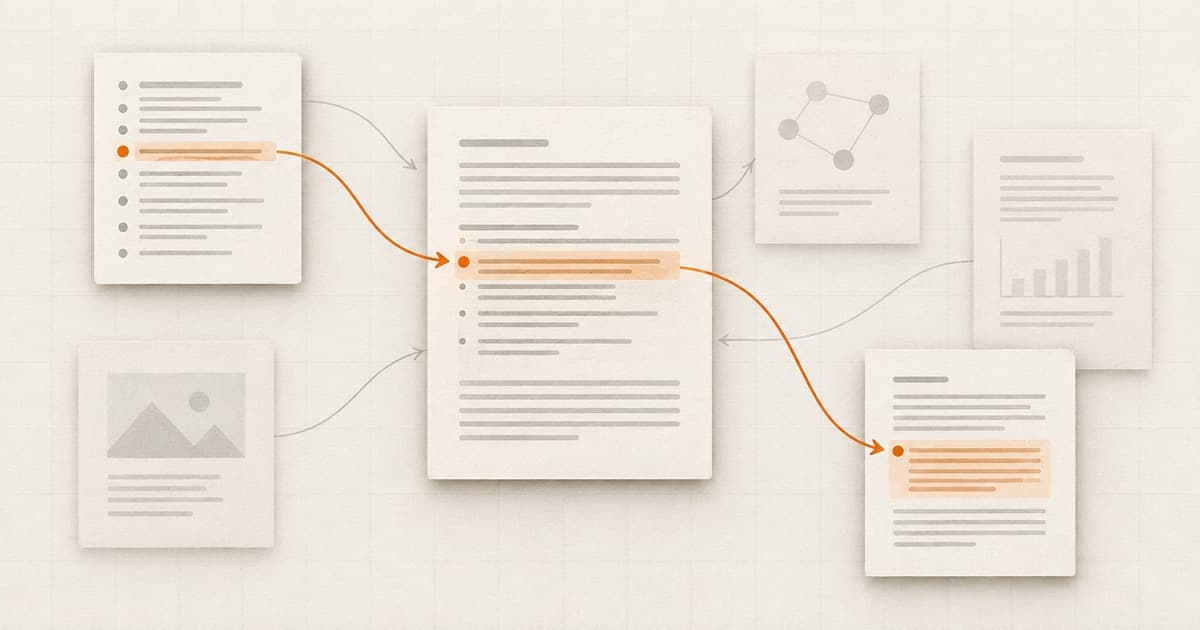
A plain explanation of Karpathy’s LLM Wiki, how agents can navigate its knowledge, and why sources, updates, and human review still matter.
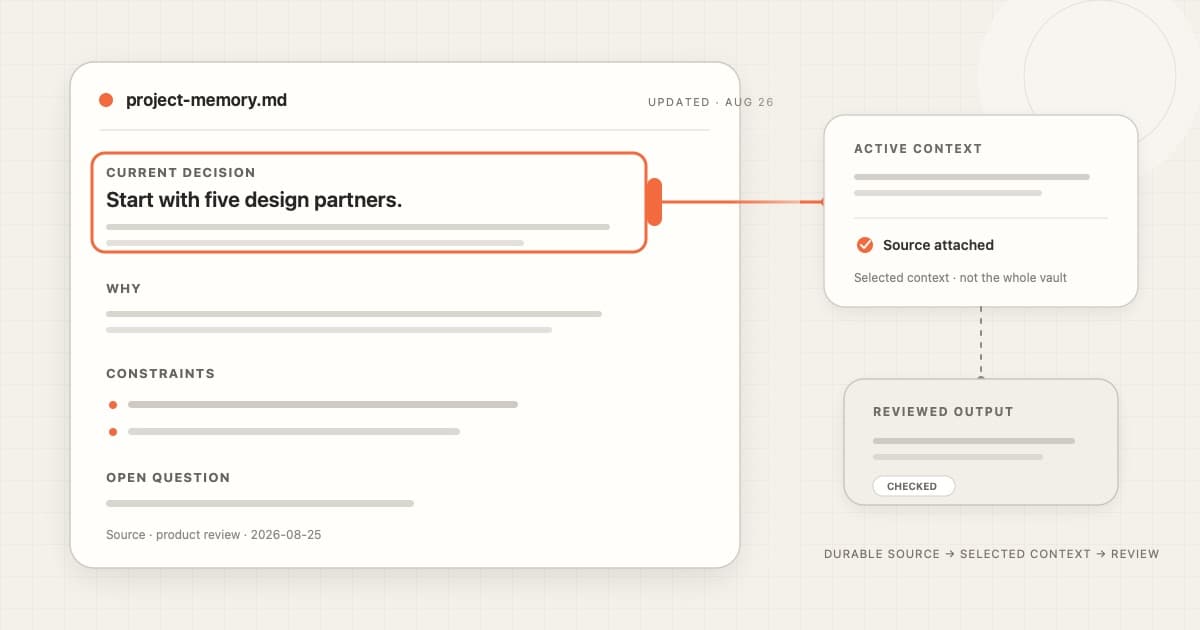
Learn why Markdown works well as durable AI context, what it does not solve, and how to keep one project note useful across sessions.
Parakeet Unified English hears more words right and writes its own punctuation, and Cue no longer freezes when iCloud has moved your notes to the cloud.

Your AI tools may change. Your knowledge should stay yours. Why context ownership shapes Cue’s local-first architecture, from voice capture to connected agents.
Cloud dictation waits for your final words, a very short press no longer breaks the next dictation, Fn stays your talk key, and new users get a checklist that earns credits.
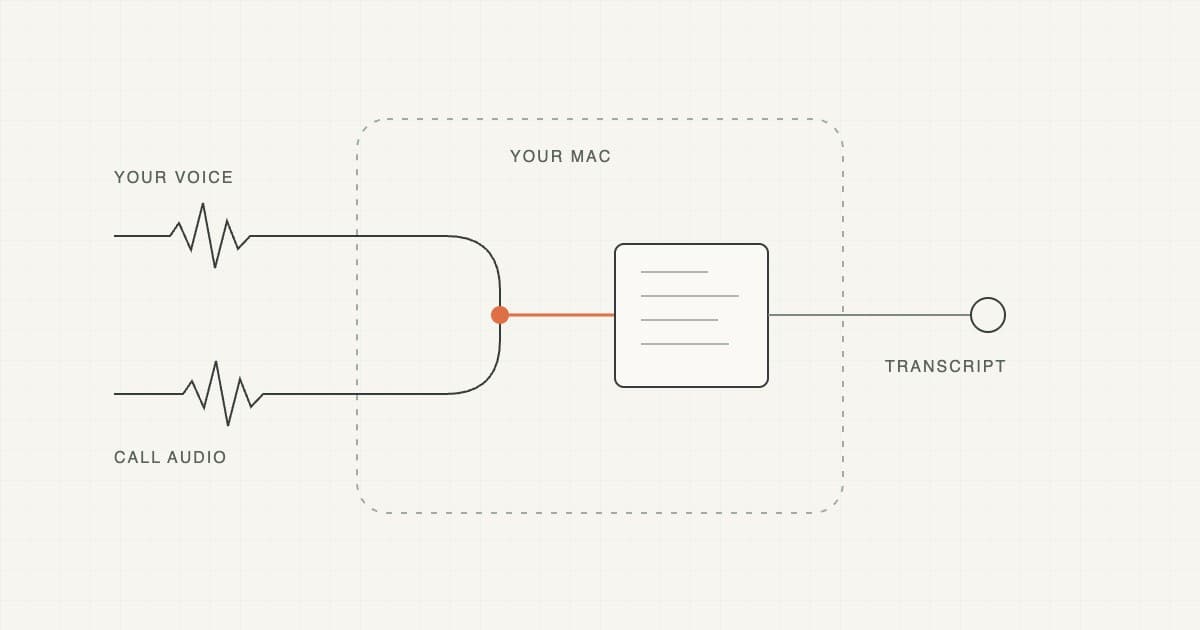
Learn how bot-free meeting notes work on a Mac, how to check both sides of the audio, and what to verify before relying on a transcript.
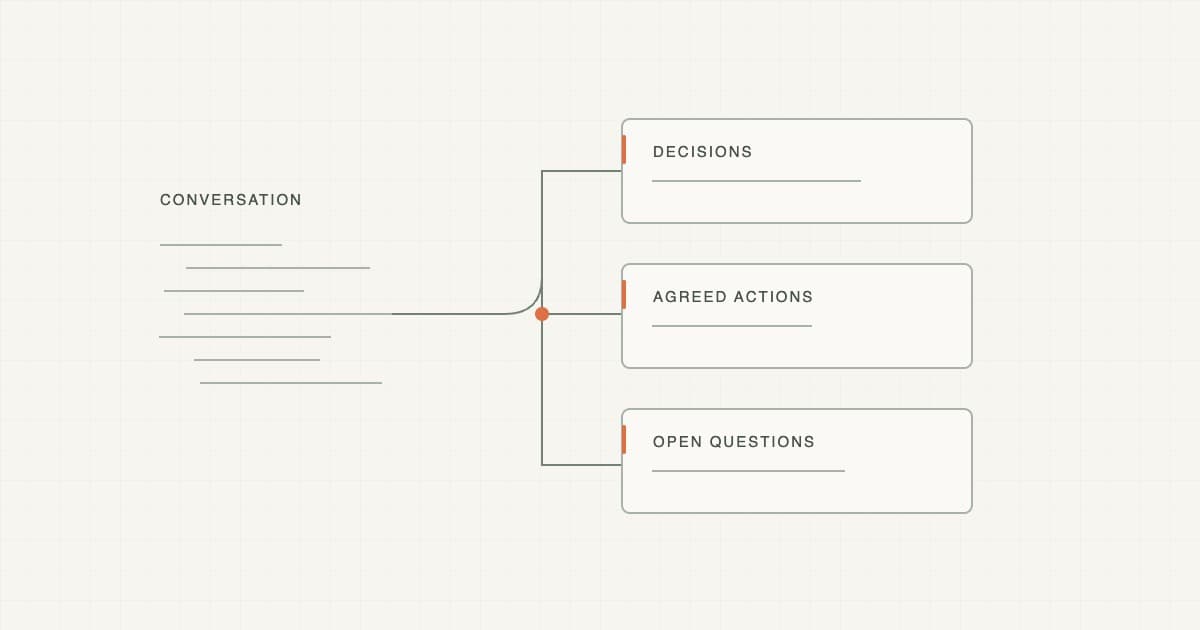
Copy a practical meeting summary template, see a worked example, and learn how to keep decisions, action items and unresolved questions separate.

Edit with AI in your notes shows the change as a tracked edit you accept or discard, Edit mode pastes over the right text every time, and memory stays flat.

Cloud meetings catch up after the internet drops, notes rebuild themselves, and everything that landed since Cue 1.5.
Echo cancellation reduces duplicate speech, named voices carry across meetings on this Mac, and Private Mode becomes one switch.

Ranked search and links help agents find related notes, while the microphone recovers after sleep and long multilingual dictations keep their ending.
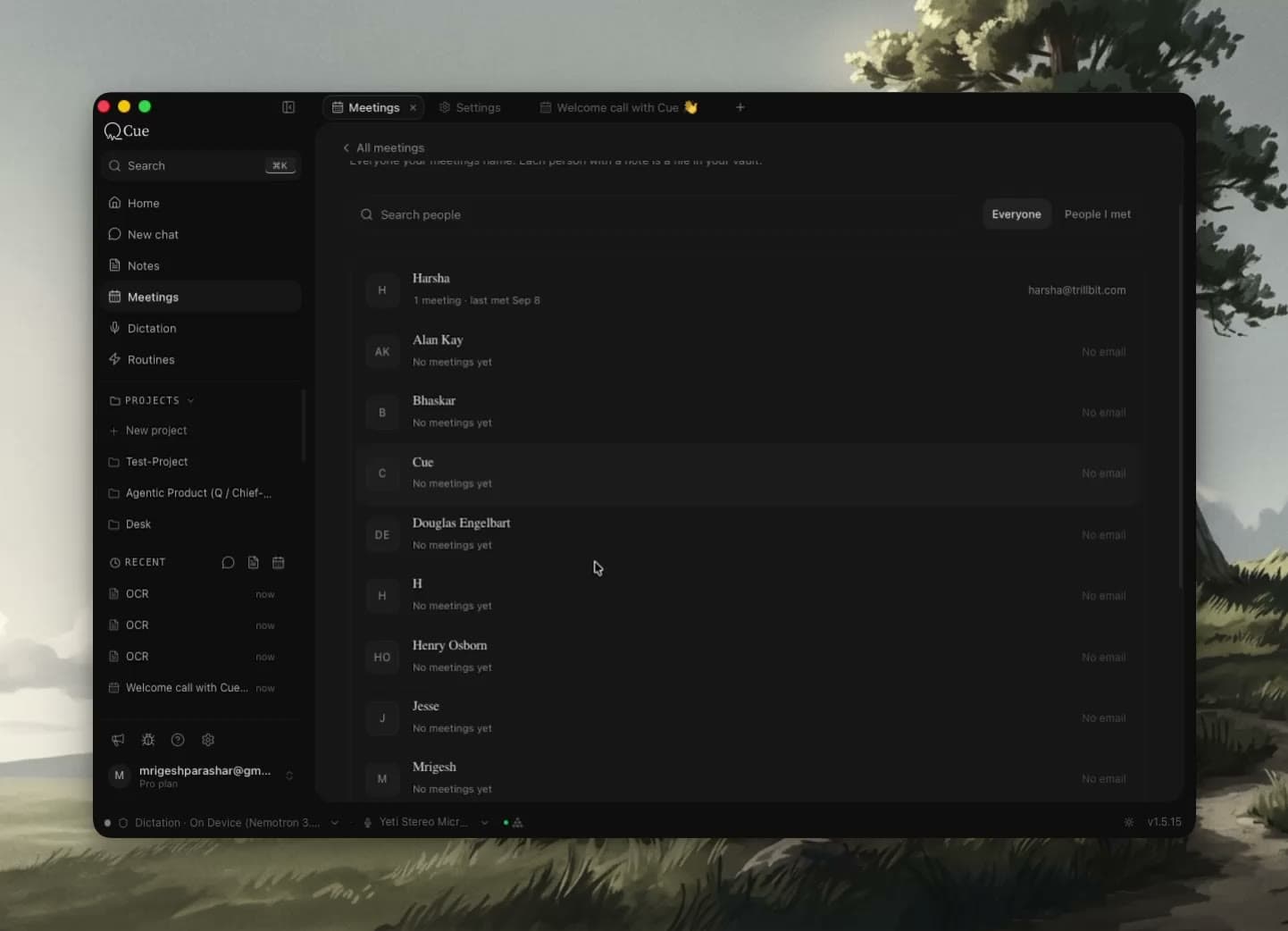
People connect to their meetings, notes link to each other, and work written by agents gets its own Inbox.

Cue gives you a fast, offline-capable local path and connected AI when a task needs more capability, while your durable work stays in files you control.

Capture a messy voice thought without interrupting yourself, then use Cue Edit Mode to structure, rewrite, and review the useful part.
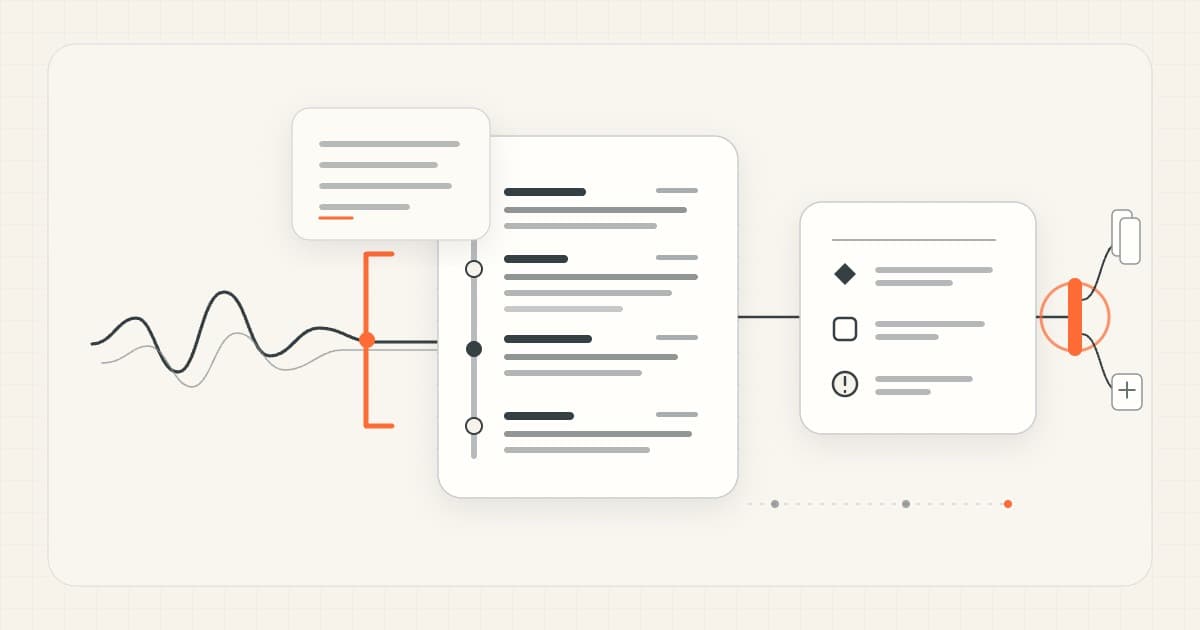
Learn how to capture a meeting on Mac and turn the transcript into reviewed notes, decisions, action items, and clear next steps.
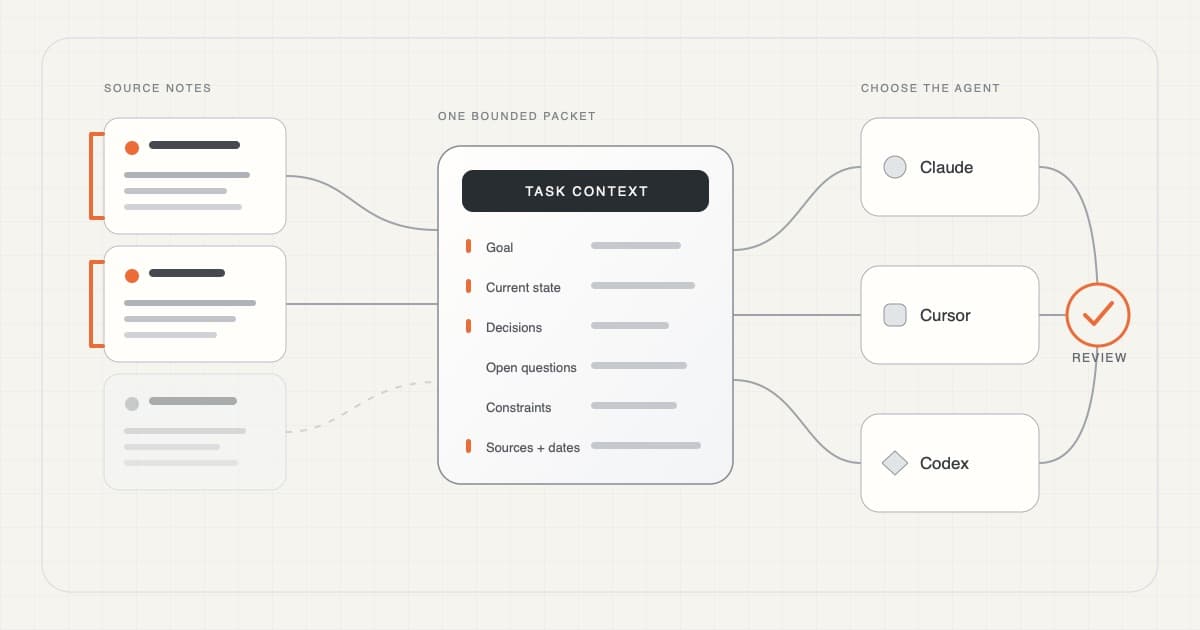
A practical workflow for turning a few current notes into selective, source-linked working memory that an AI coding agent can actually use.
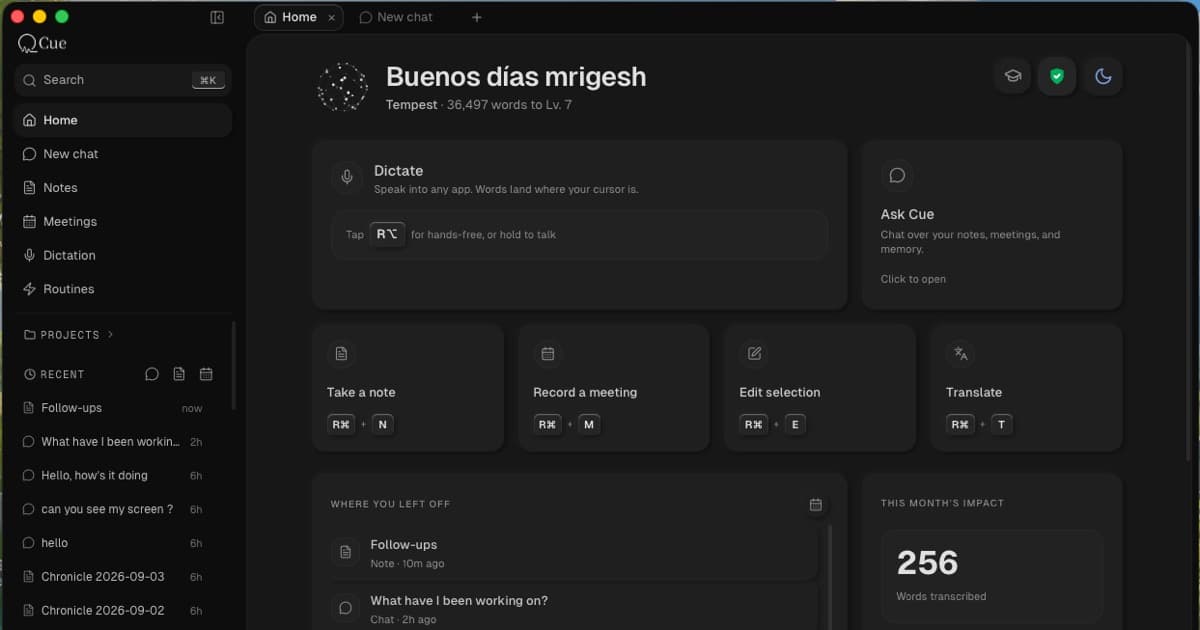
Meet Cue: free on-device dictation, meeting capture, local Markdown notes, sourced AI, and voice editing in one private, voice-first Mac workspace.
Open a chat beside what you are reading, with the same tab action used for notes and meetings.
Meetings get their own language setting, emails and documents get useful formatting, and dictation cleanup keeps more of your meaning.
Meeting titles and summaries finish even when you are on another page, and recording prompts focus on real calls.
Three clearer plans, cloud dictation that follows your chosen language, and a quieter reading experience.
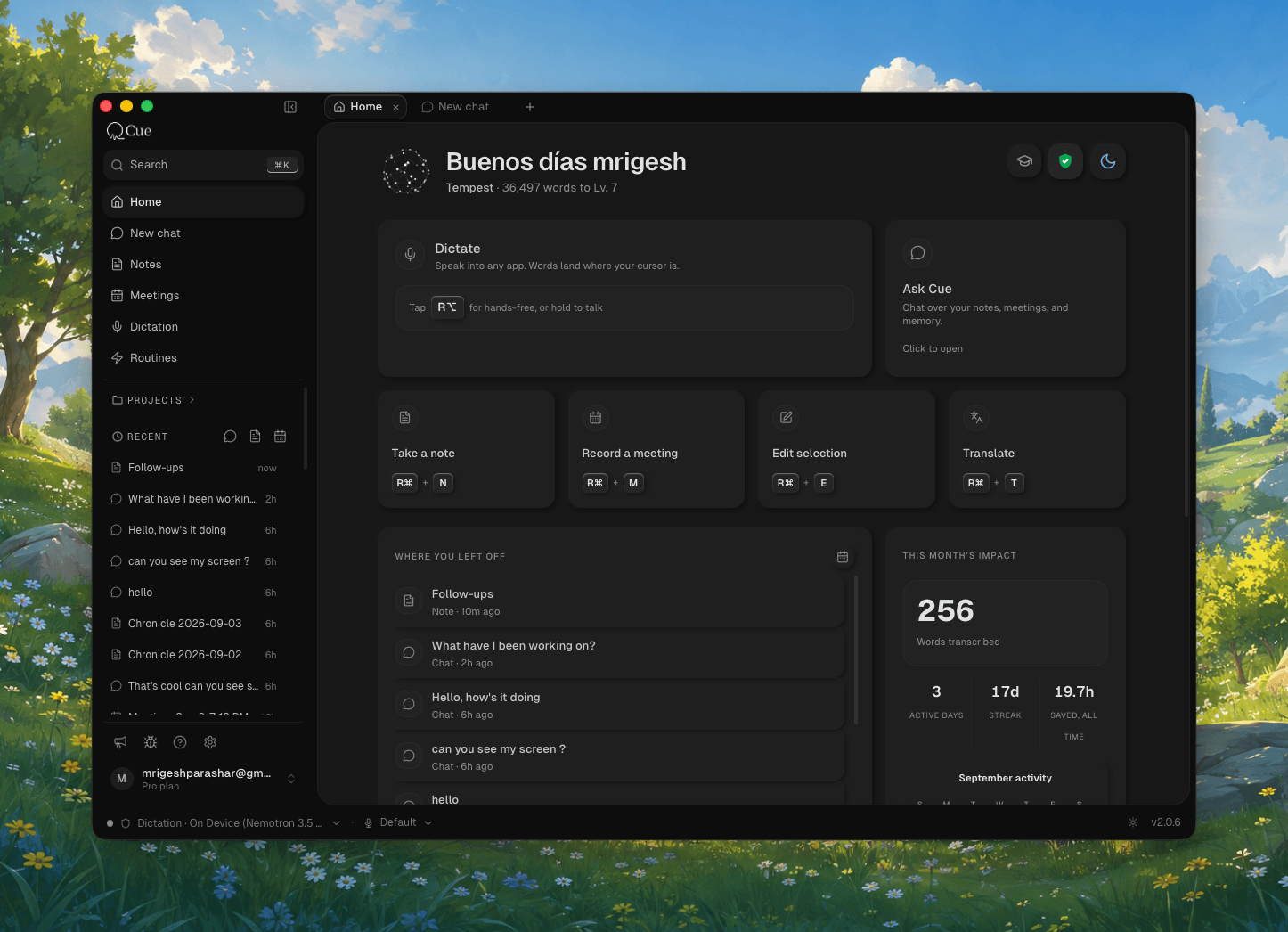
One workspace for dictation, meetings, notes, Chat, and follow-ups.

Set up voice input in Claude Code and Cursor on Mac, compare built-in dictation with Cue, and learn which prompt details to speak, type, and review.

Voice should feel like dependable input on a Mac, with local processing available and cloud models used by choice.

A short guide to when built-in dictation is enough, and when a dedicated Mac voice-to-text app makes more sense.
Cue's offline engine now runs on the Apple Neural Engine. Private just became the fast option.
Every on-device model is free, no account needed. And pasting no longer touches your clipboard.
Hush filters out background noise and other voices. Cloud dictation gets automatic failover.
Right-click the orb from any app, put it anywhere on screen, and dictate for as long as you want.
Use Cue's cloud, or bring your own key. Anthropic, OpenAI, Google, and more. Keys never leave your Mac.
Select text in any app, press the hotkey, say what you want changed. Cue rewrites it in place.
Translation Mode is here. Plus corrections that understand which app you're in.
Cue 1.0 is here. Real-time streaming transcription that runs entirely on your Mac. No internet. No latency.
Track how much you dictate, set goals, and enter focus mode for distraction-free voice input.
Rebuilt from the ground up for speed. 60% less CPU, instant activation, buttery smooth.
Cue now formats your text as you speak. Lists, paragraphs, and structure — hands-free.
Teach Cue the words only you use. Custom vocabulary for names, brands, and jargon.
Transcribe without an internet connection. Your voice stays on your Mac.
Auto-corrections now understand context. Plus, support for 8 new languages.
The first public release of Cue. Talk anywhere, text appears.
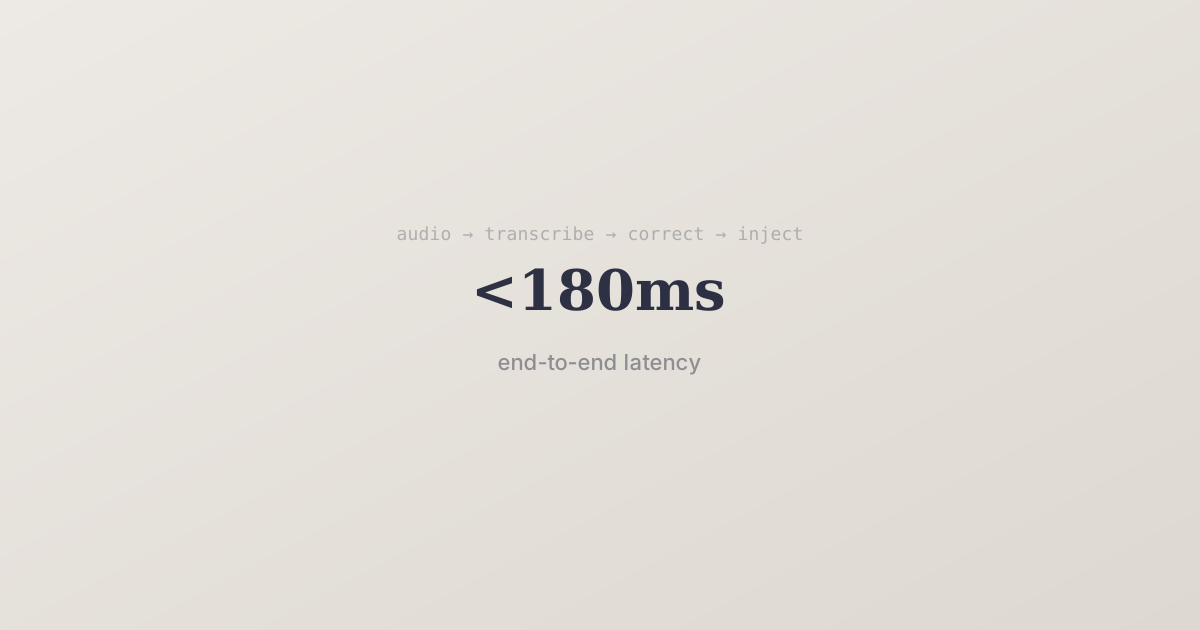
A look under the hood at how Cue delivers sub-200ms voice-to-text with context-aware corrections.
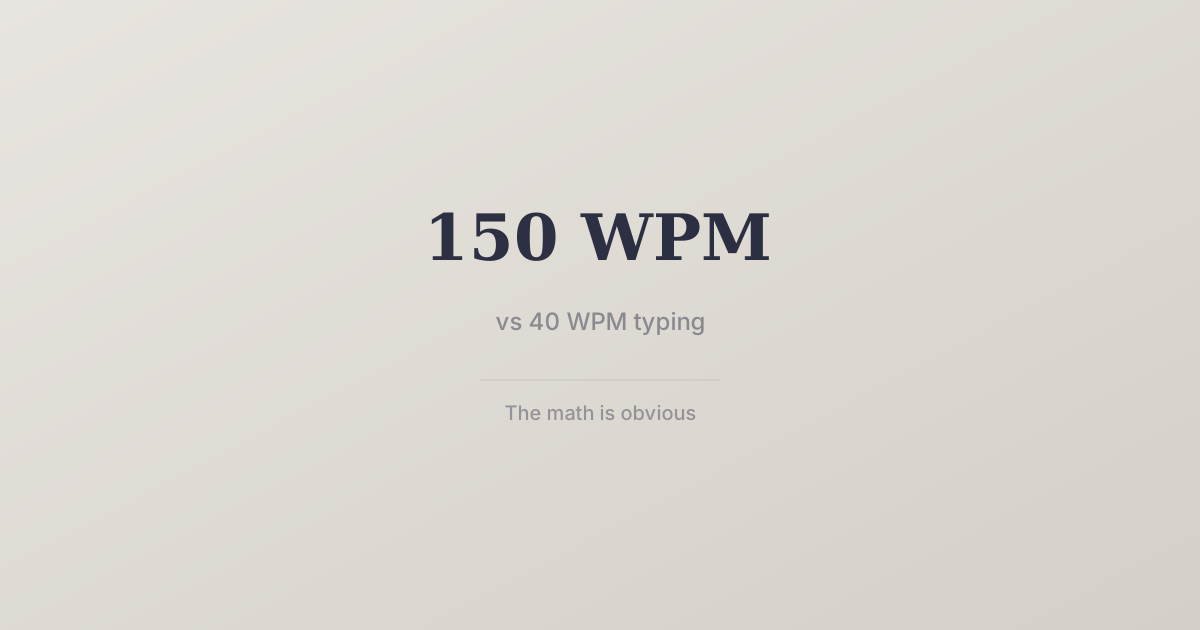
You speak at 150 WPM. You type at 40. The math is obvious — so why aren't more people voice-typing?